
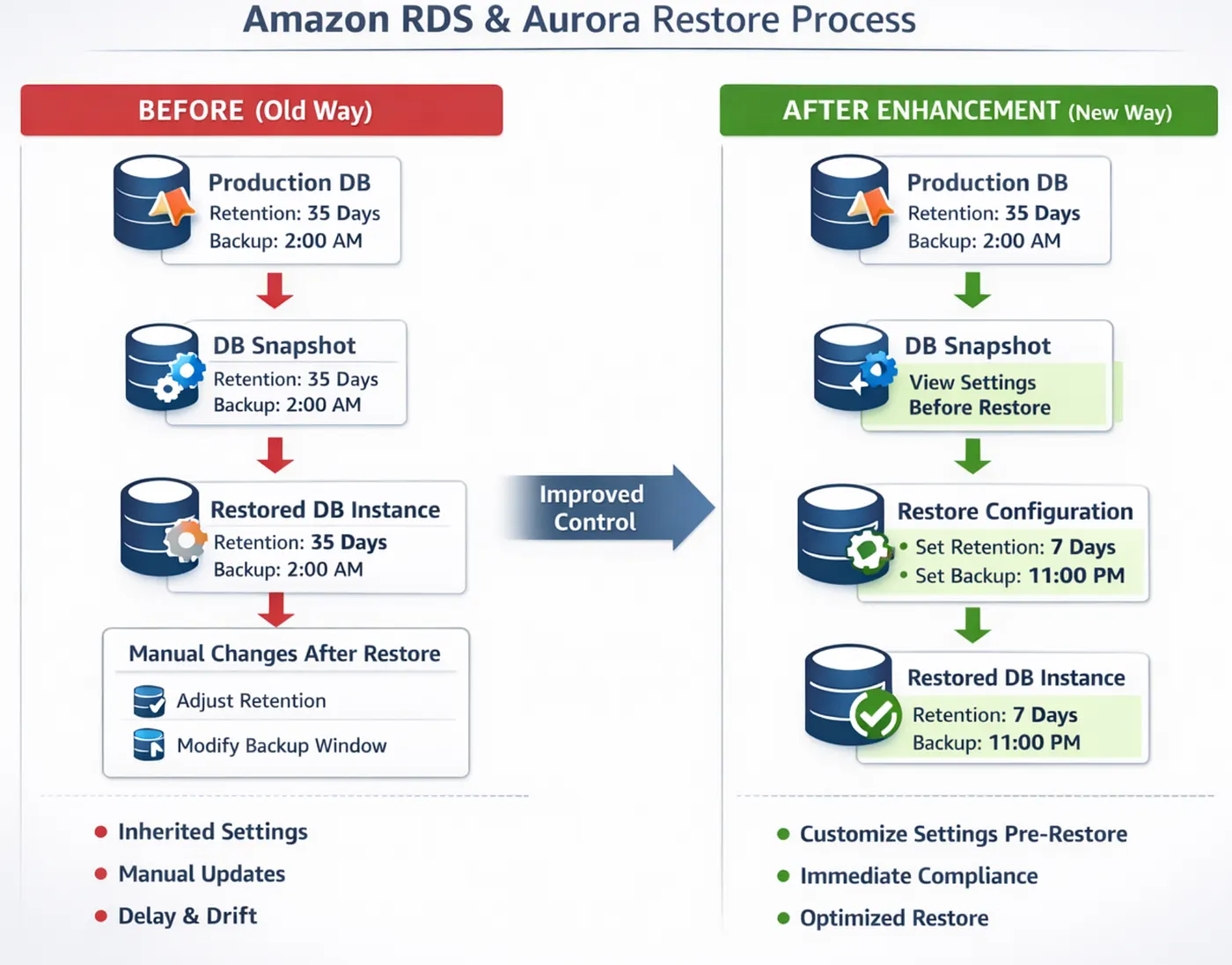
With AWS new update, both Amazon RDS and Amazon Aurora now allow you to:
1. View backup retention period before restoring from snapshot
2. Modify backup retention during restore
3. Change preferred backup window during restore
Restore DB instance or cluster
  ├─ Define backup_retention_period
  └─ Define preferred_backup_window
Earlier, restored databases inherited backup settings from snapshot metadata and you had to modify them after restore.
Step 1: Restore DB from snapshot
Step 2: Wait for DB status = available
Step 3: Modify backup retention
Step 4: Modify preferred backup window
Step 5: Apply changes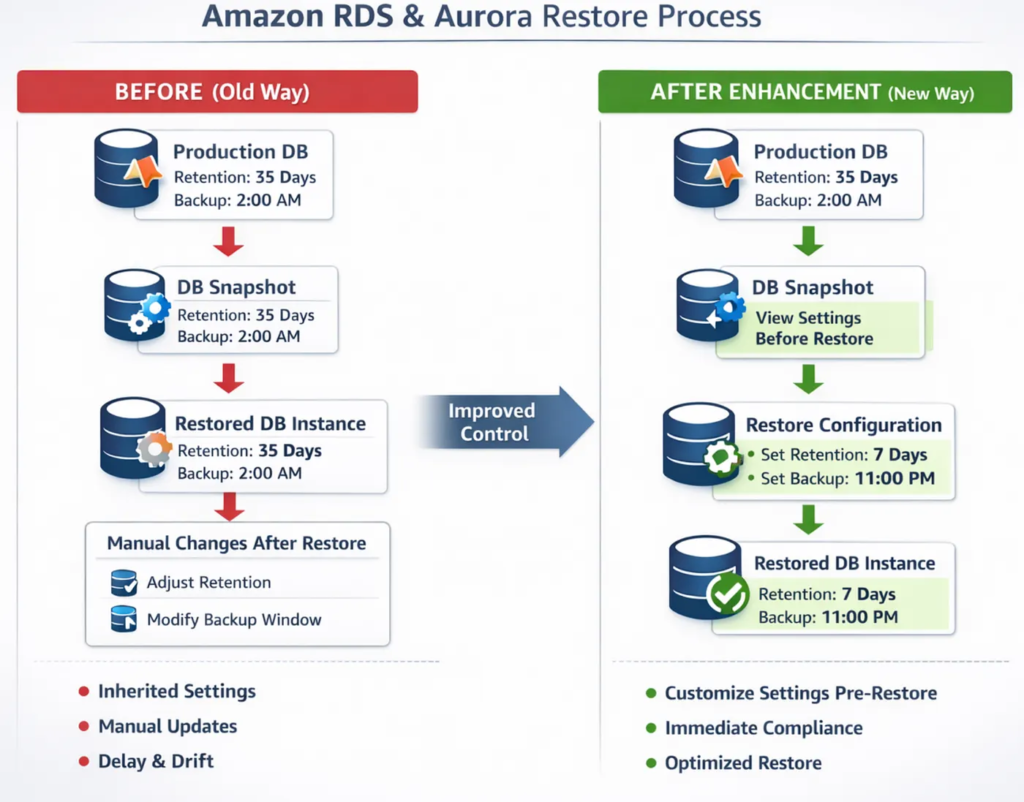
Use Cases
Scenario 1: DR Testing
In a Disaster Recovery (DR) testing scenario, a snapshot is restored to validate recovery procedures, but long backup retention is not required and backups should ideally run during off-business hours. Earlier, the restored database inherited the production backup window, which could trigger backups during the DR test execution period and potentially impact performance. Now, the backup window can be adjusted to non-testing hours and retention can be minimized at the time of restore itself. This ensures predictable performance during validation and enables cleaner, more controlled DR testing without post-restore modifications.
Scenario 2: Cross Account Snapshot Restore
In cross-account restore scenarios, snapshots are commonly shared from a production account to a disaster recovery (DR), or centralized backup account. Such target accounts often follow different backup retention policies and backup window strategies based on workload requirements. With this enhancement, the receiving account can review the existing backup configuration and override the retention period and backup window during the restore process itself. This ensures the restored database aligns immediately with the target account’s governance and operational standards, without requiring post-restore modifications.
Scenario 3: Automation (Terraform / CI/CD)
In enterprise environments using Terraform or CI/CD pipelines database restores previously required a separate post-restore step to adjust backup retention and backup window settings, adding complexity and dependency delays. Now, these configurations can be defined during the restore itself, making the process fully declarative. This simplifies Infrastructure-as-Code, reduces pipeline steps, and minimizes race conditions in automated workflows.
Earlier Terraform Code
resource "aws_db_instance" "restore" {
  snapshot_identifier = var.snapshot_id
  instance_class      = "db.r6g.large"
}

# Separate modification step required
resource "aws_db_instance" "modify_backup" {
  identifier              = aws_db_instance.restore.id
  backup_retention_period = 7
  preferred_backup_window = "03:00-04:00"
}
Now (Declarative Restore)
resource "aws_db_instance" "restore" {
  snapshot_identifier     = var.snapshot_id
  instance_class          = "db.r6g.large"
  backup_retention_period = 7
  preferred_backup_window = "03:00-04:00"
}
Scenario 4: Compliance Sensitive Account
In a compliance-sensitive scenario, the production database may be configured with a 30-days backup retention period, while the compliance environment requires 90 days to meet regulatory standards. When restoring a production snapshot into the compliance account, the database previously launched with the 30-days retention setting, leaving it temporarily non-compliant until manually updated. Now, the retention period can be set to 90 days during the restore process itself. As a result, the instance is compliant from the moment it becomes available, eliminating any compliance gap and ensuring an audit-safe restore process.
While this post highlights three scenarios, there are many more operational and governance-driven use cases where defining backup configuration at restore time significantly improves automation, compliance posture, and cost control in enterprise AWS environments.
Conclusion
The ability to view and modify backup retention and preferred backup window during restore operations in Amazon RDS and Amazon Aurora is a strategically meaningful improvement for enterprise cloud architectures.
By shifting backup governance to provisioning time, AWS has enabled:
- Declarative Infrastructure-as-Code workflows
- Immediate compliance alignment
- Reduced automation complexity
- Improved multi-account governance control
- Predictable cost management
In high-scale AWS environments, even small enhancements to control planes can produce significant operational efficiencies. This update strengthens restore workflows and aligns database lifecycle management with mature cloud governance and automation best practices.
If you found this article valuable and relevant to your AWS architecture journey, consider following my profile for more deep dives into cloud governance, automation patterns, and enterprise AWS best practices.
You can also opt in to receive updates via email to stay informed about recent enhancements across AWS services, architectural design strategies, and real-world implementation insights.
